
Try the Face Shape Detector Now
Your photo never leaves your device
Face Shape Detector: Find Your Face Shape in Seconds
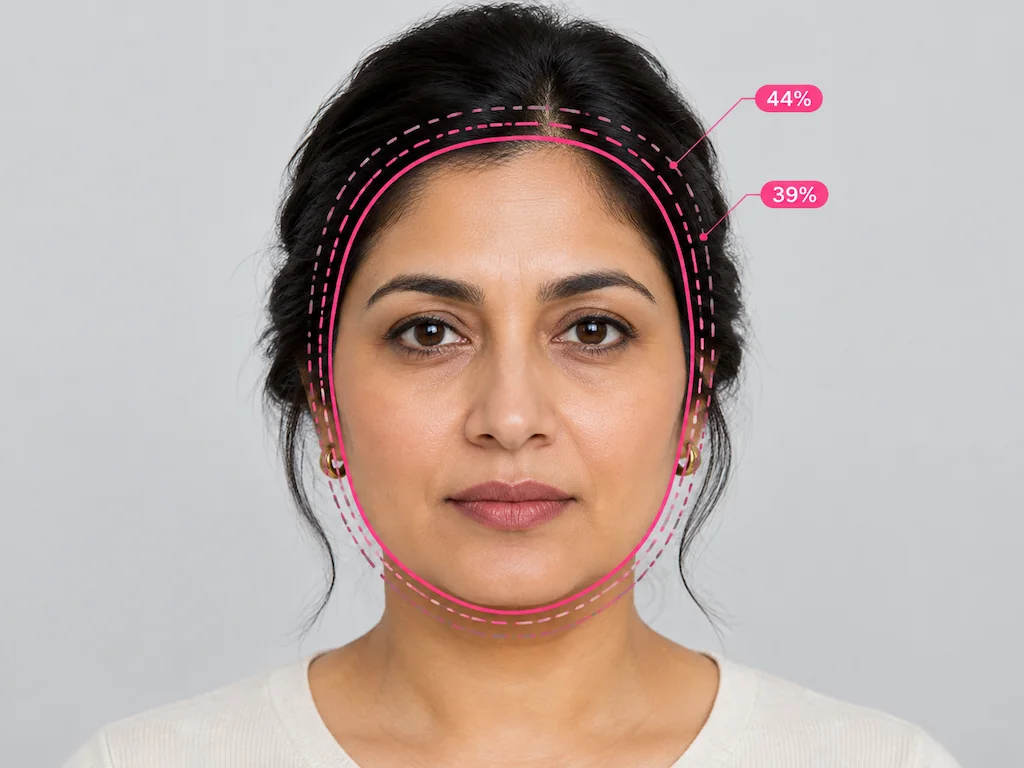
Upload one clear, front-facing photo and this face shape detector reads the proportions of your face, then names the shape that matches. Your result shows the closest shape together with the next two closest matches and a percentage for each. Everything runs in your browser, so the photo is never uploaded or stored, and there is no account to create. FaceReport is intended for users aged 16 and over.
Detect My Face Shape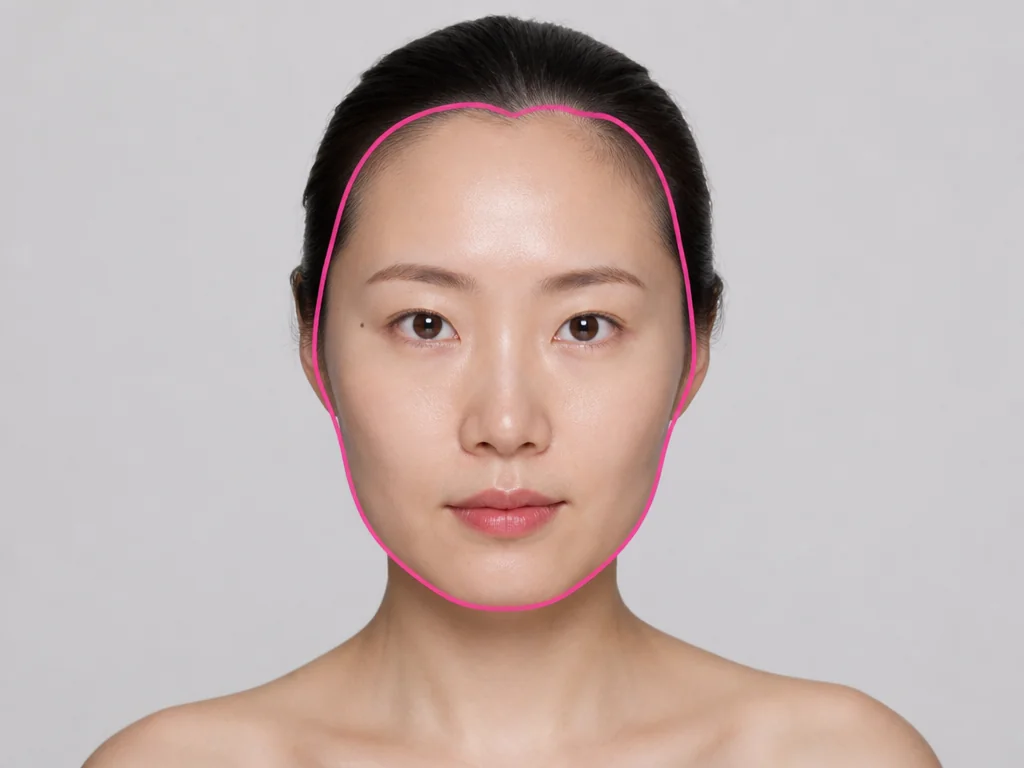
What the Face Shape Detector Measures
Face Shape Read From Geometry, Not Guesswork
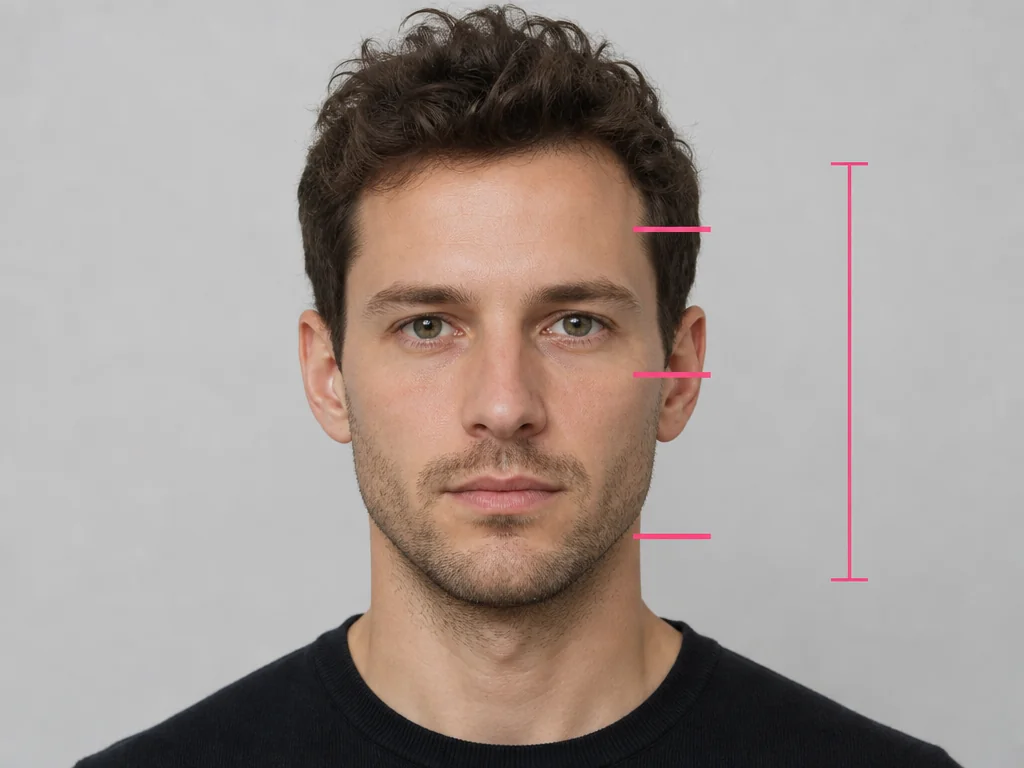
FaceReport first locates a fixed set of facial landmarks, and every value in the result comes from those points. The detector compares key face widths against the overall length of the face, then matches the resulting pattern to the shapes it recognizes. Two people can look quite different and still return the same shape, because the label comes from measured proportions rather than a quick visual impression.
All Six Face Shapes, Side by Side
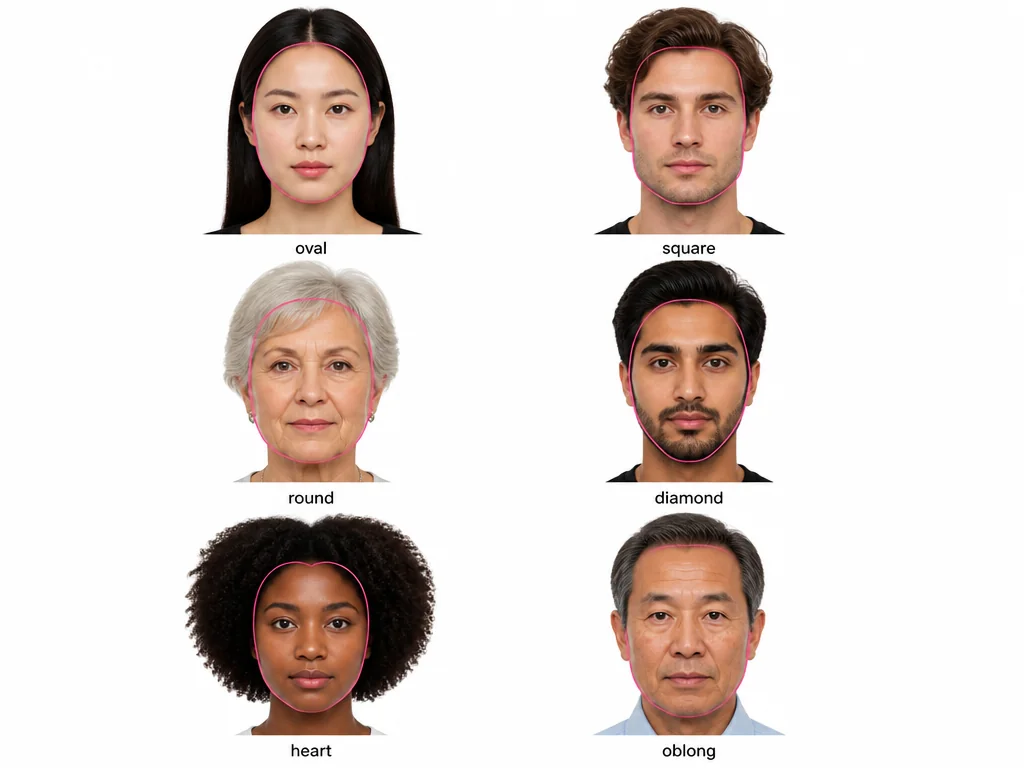
FaceReport returns six shapes: Oval, Round, Square, Heart, Diamond and Long. Oval runs slightly longer than it is wide, with the cheekbones as the widest point. Round is close to equal in length and width, with a softer jaw. Square keeps a similar width at the forehead and at the jaw. Heart is wider at the forehead and tapers toward the chin. Diamond is widest at the cheekbones, with a narrower forehead and jaw. Long, also called oblong, carries more length than width.
The Three Closest Matches, With Percentages
Many shape tools hand you a single label and stop there. This detector also shows how close the runner-up shapes were, each with a percentage, so you can see when two shapes are nearly tied. If Oval and Round both sit near the top, that is useful information rather than a contradiction.
A Photo That Gives a Stable Reading
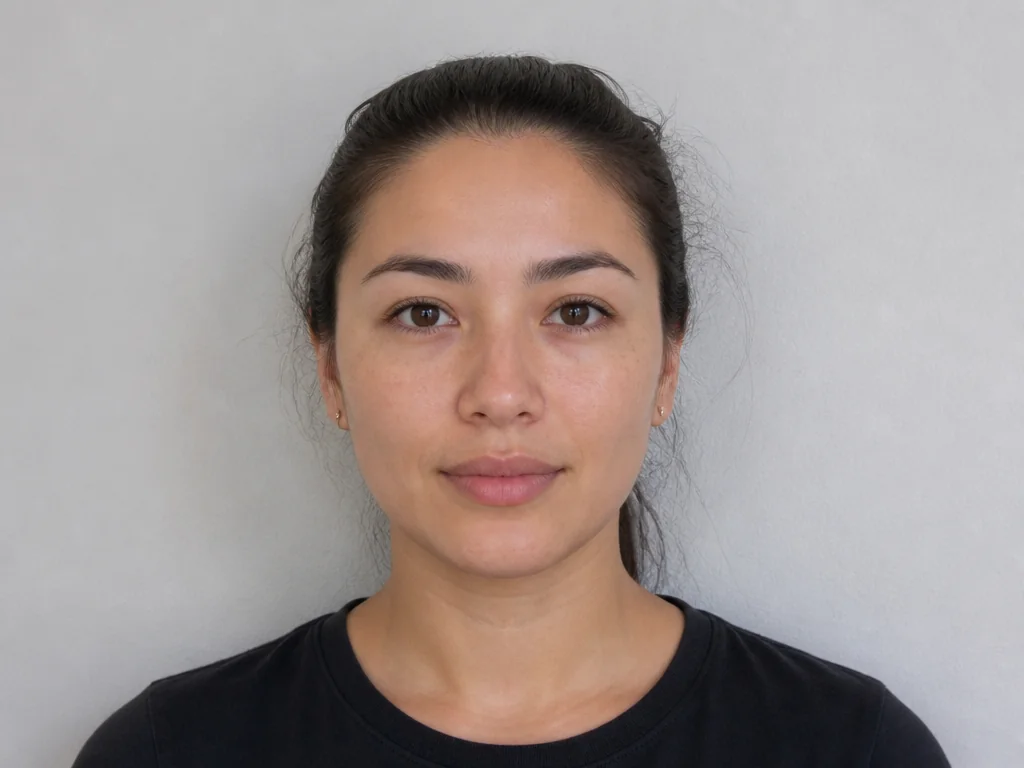
Start with a straight-on photo where the whole face is visible and the lighting is even, and keep hair away from the forehead and jaw. Filters, heavy shadows and tilted angles all move the landmarks and can shift the result. A clear photo always returns the same shape, so it is worth a moment to get the input right.
What the Result Is Useful For
A face shape is a neutral description of proportion. People often use it as one input when picking glasses frames, choosing a haircut or deciding where to place makeup, and it works best as a starting reference rather than an instruction. It says nothing about how attractive a face is. If you want the wider picture, your face report covers how the proportions balance overall.
How the Face Shape Calculator Works
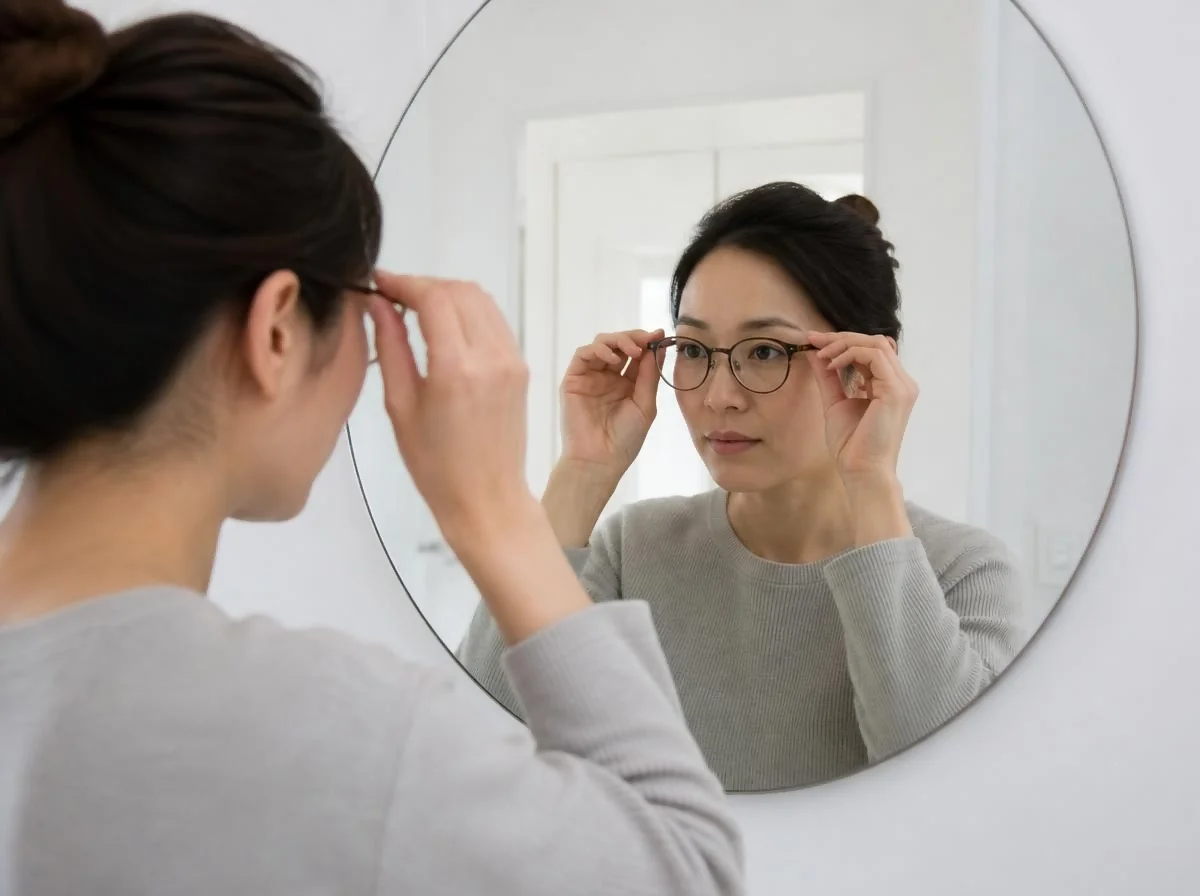
1. Upload One Front-Facing Photo
Choose or take one clear, straight-on photo, then add it to the page. Nothing is sent anywhere; the file stays on your device.
2. The Detector Maps Your Landmarks
Facial landmarks are located and measured in your browser, and the widths are compared against the length of the face.
3. Read Your Shape and Matches
Your result names the closest shape, lists the next two closest matches with percentages, and produces a share card you can save.
Why Choose This Face Shape Finder
Private by Design
Photos are processed entirely in your browser and are never uploaded or stored.
Free, No Sign-Up
The detector is free to use and needs no account, no email address and no payment details.
Same Photo, Same Result
Every value comes from detected landmarks, so one clear photo always returns the same shape.
Six Shapes, Three Matches
You see the closest shape plus the two next closest, each with the percentage that shows how near the match was.
Runs on Phone and Desktop
Open it in any modern browser on a phone, tablet or computer, with nothing to install.
Informative, Not a Verdict
The result is a geometric measurement reference. It is not a diagnosis, and it is not a judgement about your appearance.